Create your account
You need an account to use SecBot, and a subscription to unlock the live feed, your watchlist, and alerts. Setup takes a couple of minutes.
Sign up
- Go to secbot.trade and choose to create an account.
- Enter your email and a password.
- Confirm your email from the verification message we send you.
Once your email shows as verified, you can sign in and open the dashboard.
Verify your email
Verification matters for more than login. Alert digests and account notices go to this address, so use one you check.
Start your subscription
Without a subscription you can still look around, but anything under about 24 hours old is blurred and the watchlist and alerts stay locked. A subscription removes that and turns everything on. You buy days in advance with USDC from a crypto wallet, from 1 to 365 days at a time, with no auto-renew. See Plans & access for exactly what changes and how paying works.
The badge in the top bar shows how many days you have left, and the Account page shows the exact expiry date and an Extend Subscription button.
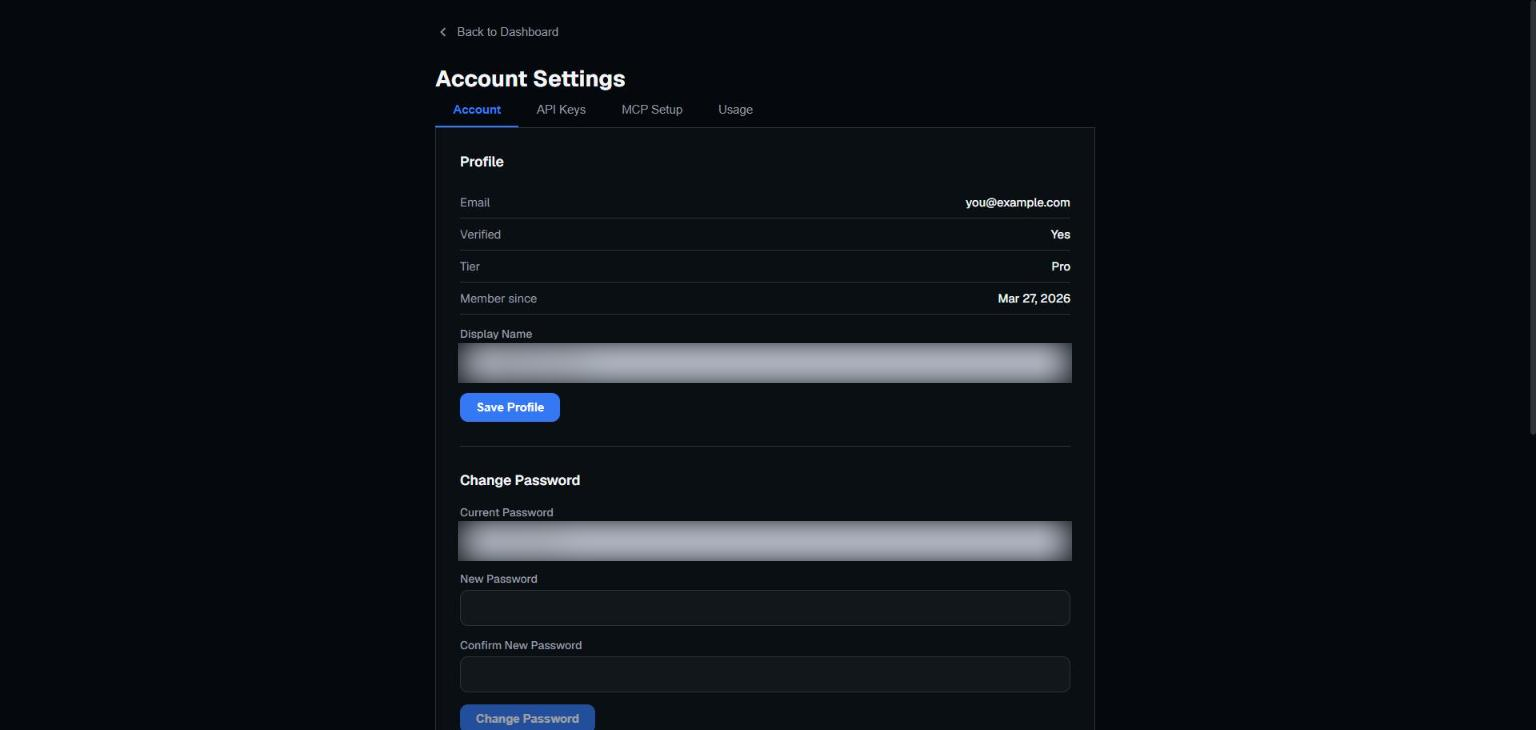 Your profile, subscription tier, and login settings live in Account Settings.
Connect Telegram
If you want your alerts as Telegram DMs, link your account once:
- Open Watchlist, go to the Telegram tab, and click Generate Link Code.
- Send the command it shows, such as
/link AB12CD, to @SecBotAlertsBot within 5 minutes. - The bot confirms the connection. Alerts arrive whenever one of your alert rules matches.
Full details are in Connecting Telegram.
A note on safety
SecBot will never ask for your password over chat or email, and never needs your wallet's seed phrase or private keys. Sign in and pay only on the site itself.
Next: take the dashboard tour.